
Technical resume format in Word
An Arial resume that puts technical skills, experience and projects in a clear order.
Preview with fictional sample content
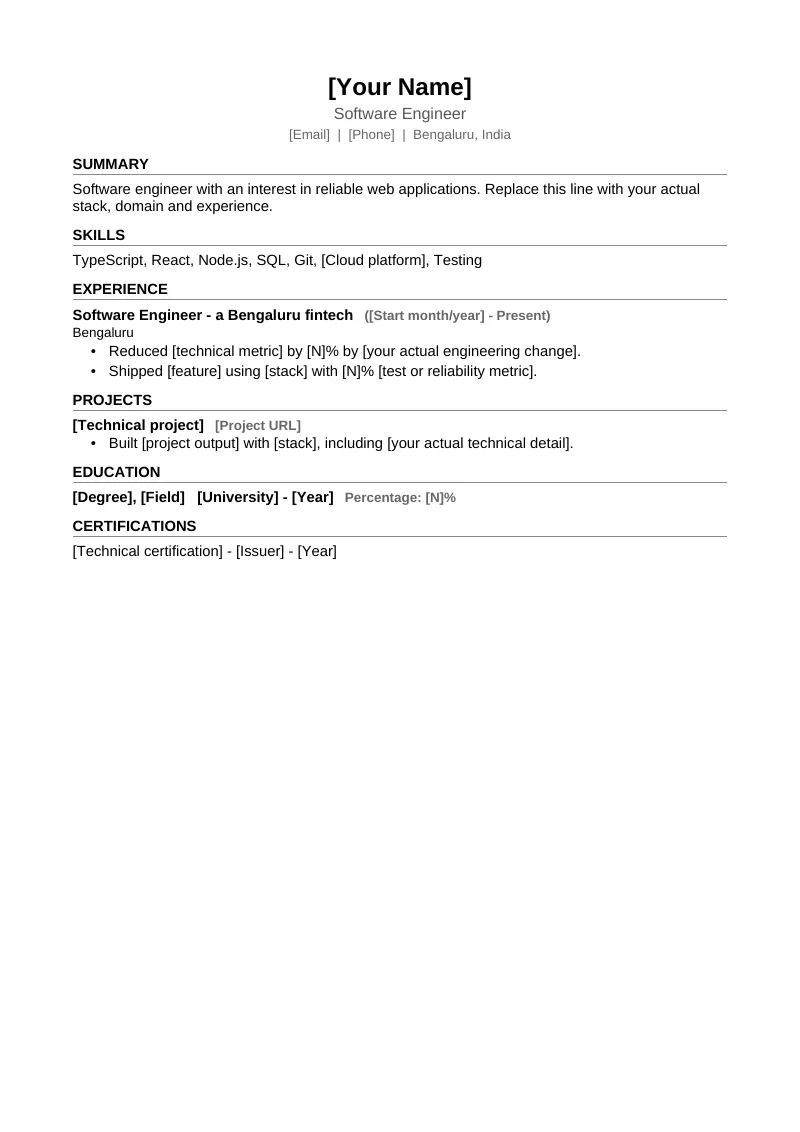
A4 portrait, Arial, one column and no photo placeholder. Replace the bracketed text with your own factual details.
Sections included
- Summary
- Skills
- Experience
- Projects
- Education
- Certifications
Who it suits
Software engineers, developers and technical applicants who want skills and practical projects easy to find.
Edit in Word or Google Docs
- Download and open a copy. Open the DOCX in Word, or upload it to Google Drive and choose Google Docs.
- Replace every placeholder. Add your real contact details, education, experience and verified numbers. Remove sections you do not need.
- Review the final document. Check page breaks, fonts and reading order in the program you will use to submit it.